
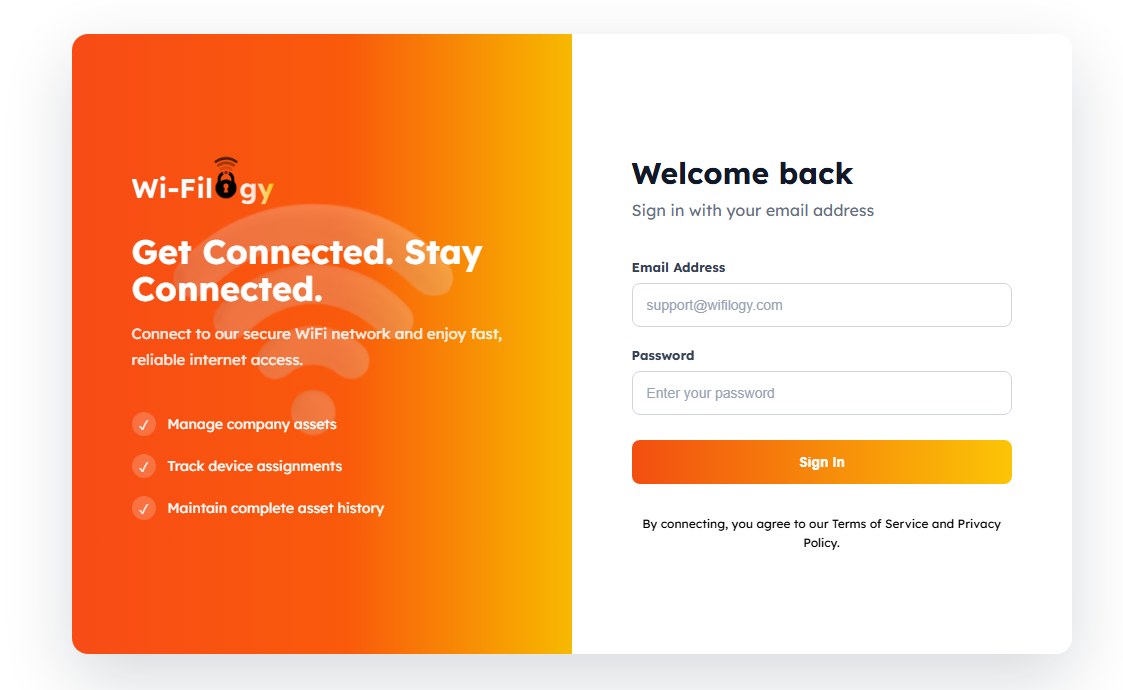
Captive portal login pages sometimes fail to pop up automatically when connecting to public or guest Wi-Fi networks.
Whether it is caused by DNS interference, HTTPS interception blocks, or stale browser cache, this guide provides a step-by-step checklist to troubleshoot and trigger your portal instantly.
01 — Why Doesn't the Captive Portal Pop Up?
When a device connects to a guest network, the router intercepts HTTP traffic and redirects it to the login portal. If your device uses secure DNS or HTTPS-only mode, this redirection can fail, leaving your connection hanging.
Most captive portal loading issues can be solved instantly by manually forcing an unencrypted HTTP navigation request.Quick Fixes for Wifilogy Captive Portals
Follow these recommended steps to force the login page to appear on mobile and desktop devices.
Use a Fallback URL
Navigate to a non-HTTPS website like example.com or 1.1.1.1 to trigger manual DNS redirection.
Disable Private DNS / VPN
Temporarily turn off encrypted DNS features and active VPNs that block portal redirection.
Ensuring Seamless Guest Onboarding
Modern captive portal solutions utilize advanced WISPr and smart redirection protocols to ensure instant captive portal detection across modern Android, iOS, and laptop operating systems.
Conclusion
By understanding these common troubleshooting steps, you can eliminate user friction and ensure effortless guest Wi-Fi authentication every time.